BEELINE ICONPACKS

BY AlphaONE & JustNewDesigns

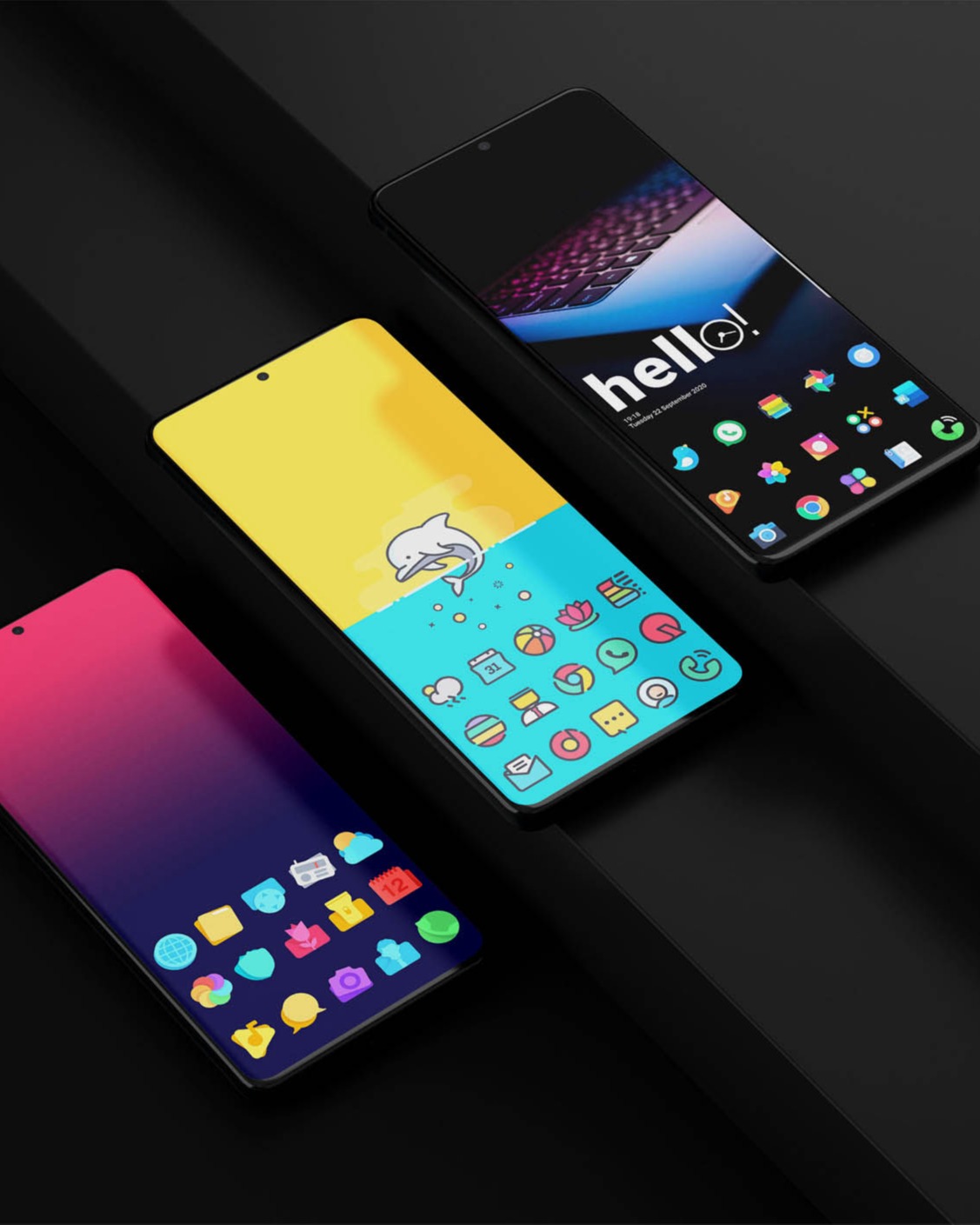
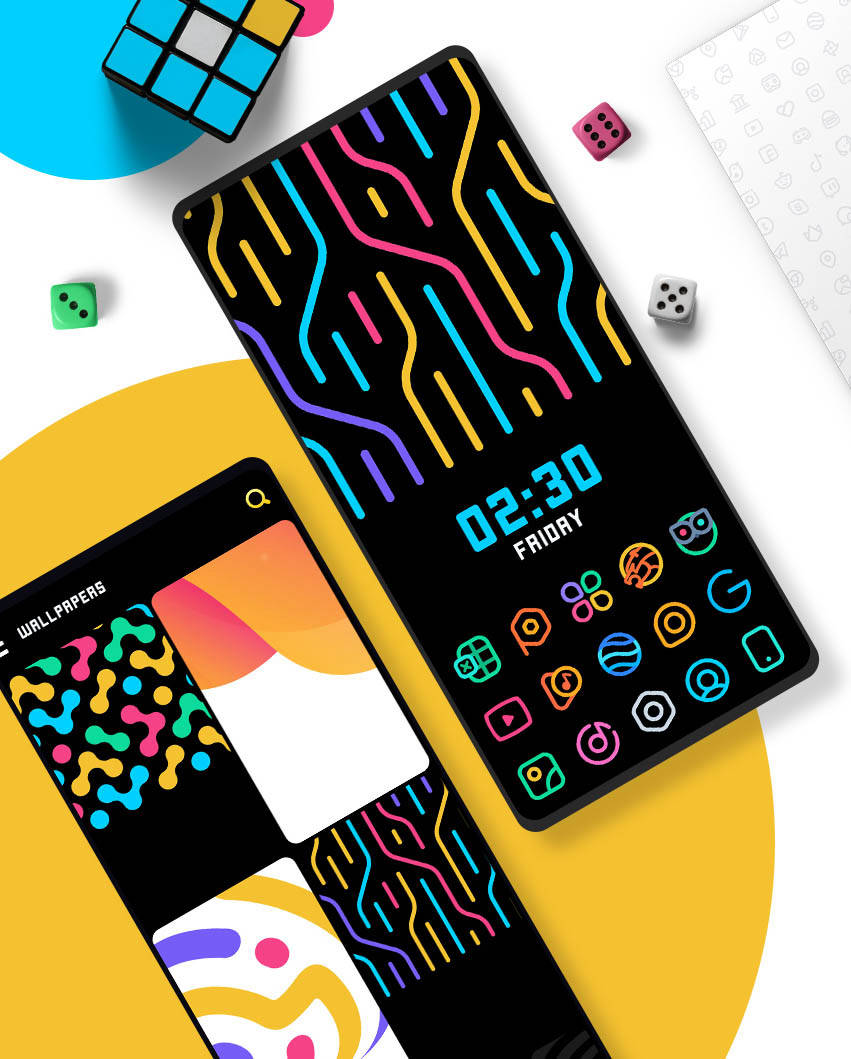
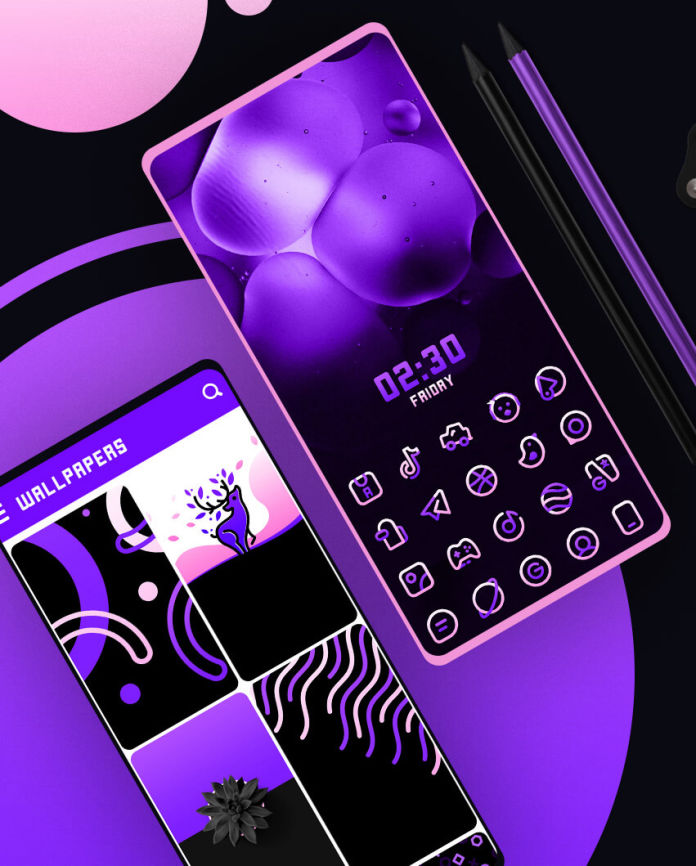
Check it out These Beautiful Iconpacks listed below. Every iconpack is a real masterpiece and crafted with lots of time and attention to the tiniest details.

BeeLine IconPack
BEELINE ICONPACK
BeeLine Purple
BEELINE PURPLE
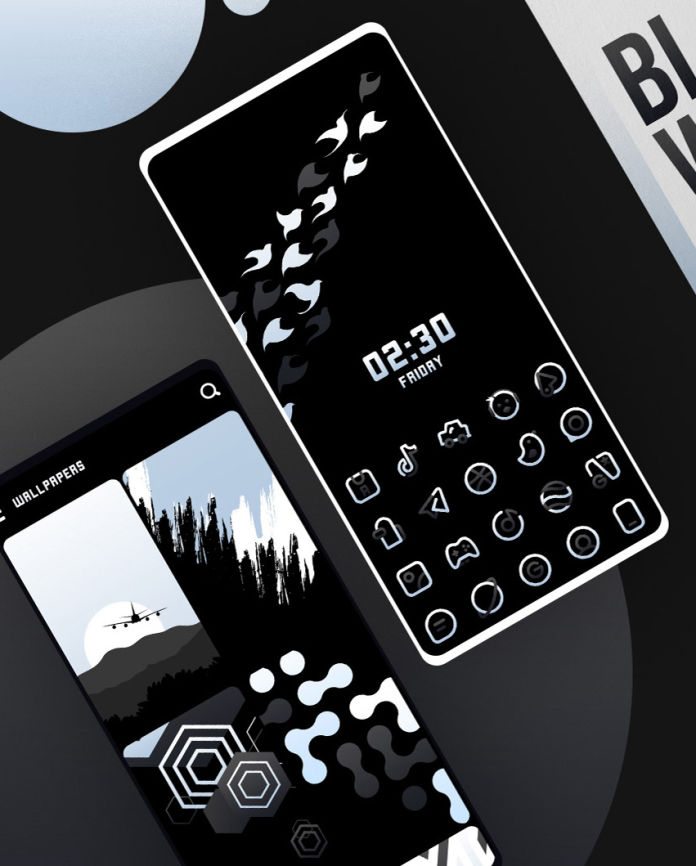
BeeLine Black
BEELINE BLACK
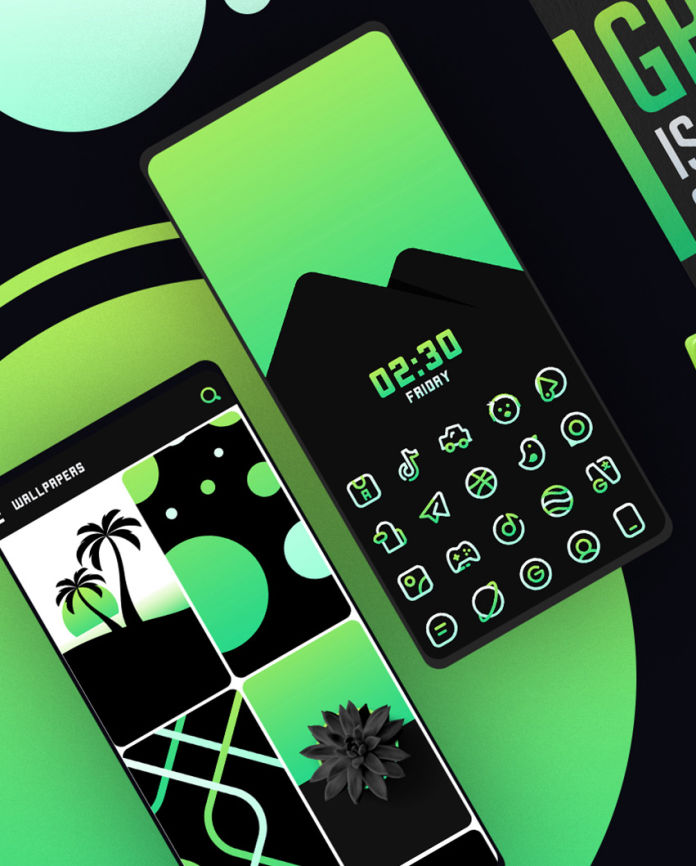
BeeLine Green
BEELINE GREEN
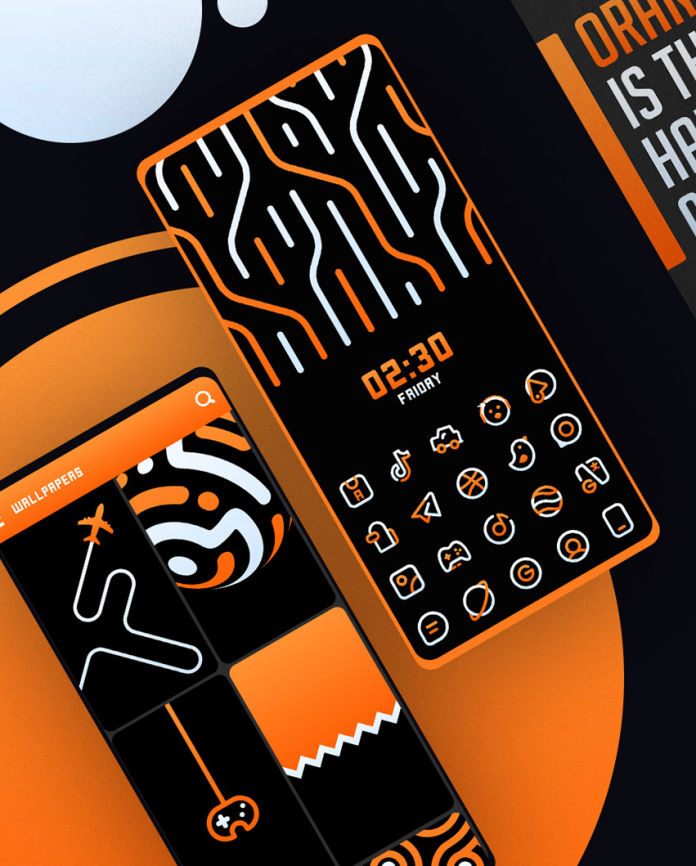
BeeLine Orange
BEELINE ORANGE
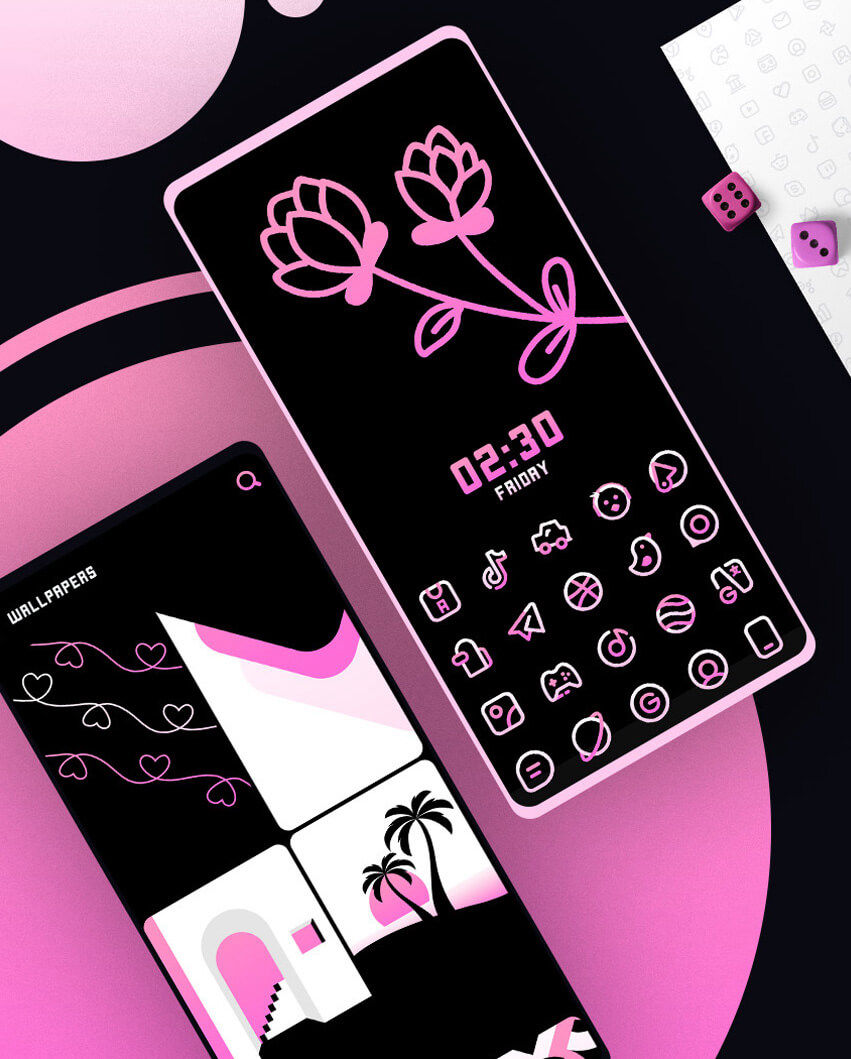
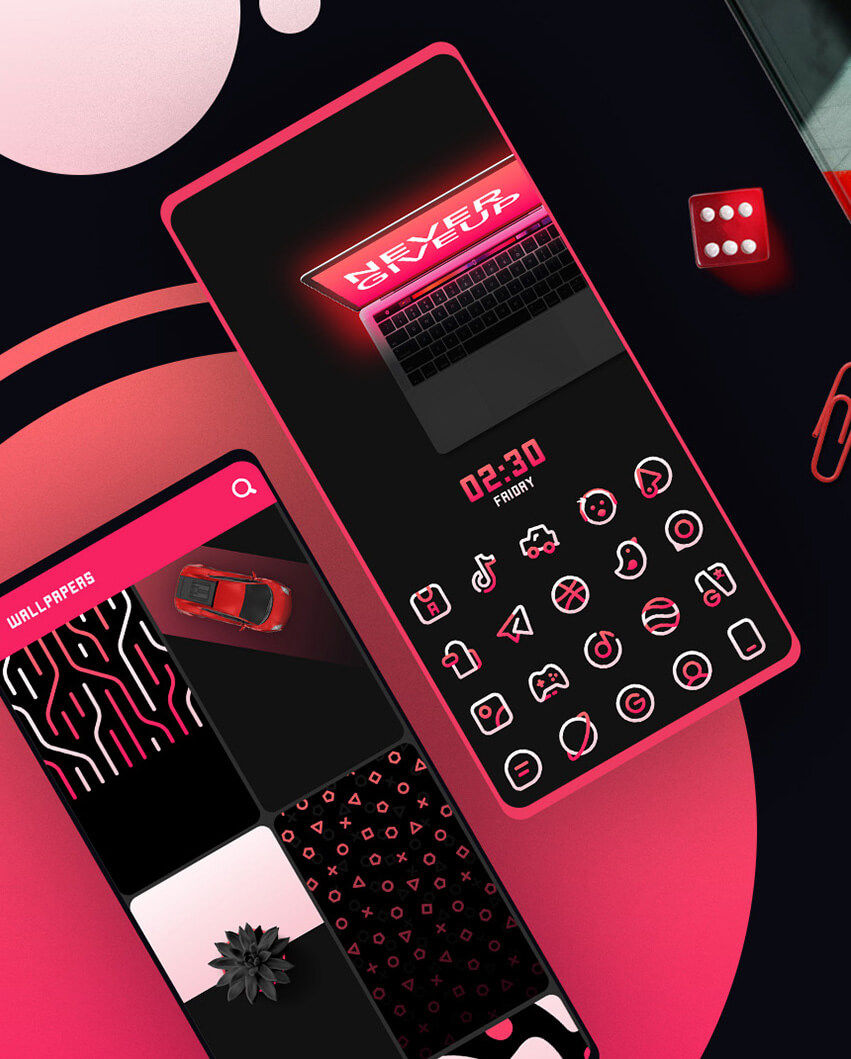
BeeLine Pink
BEELINE PINK
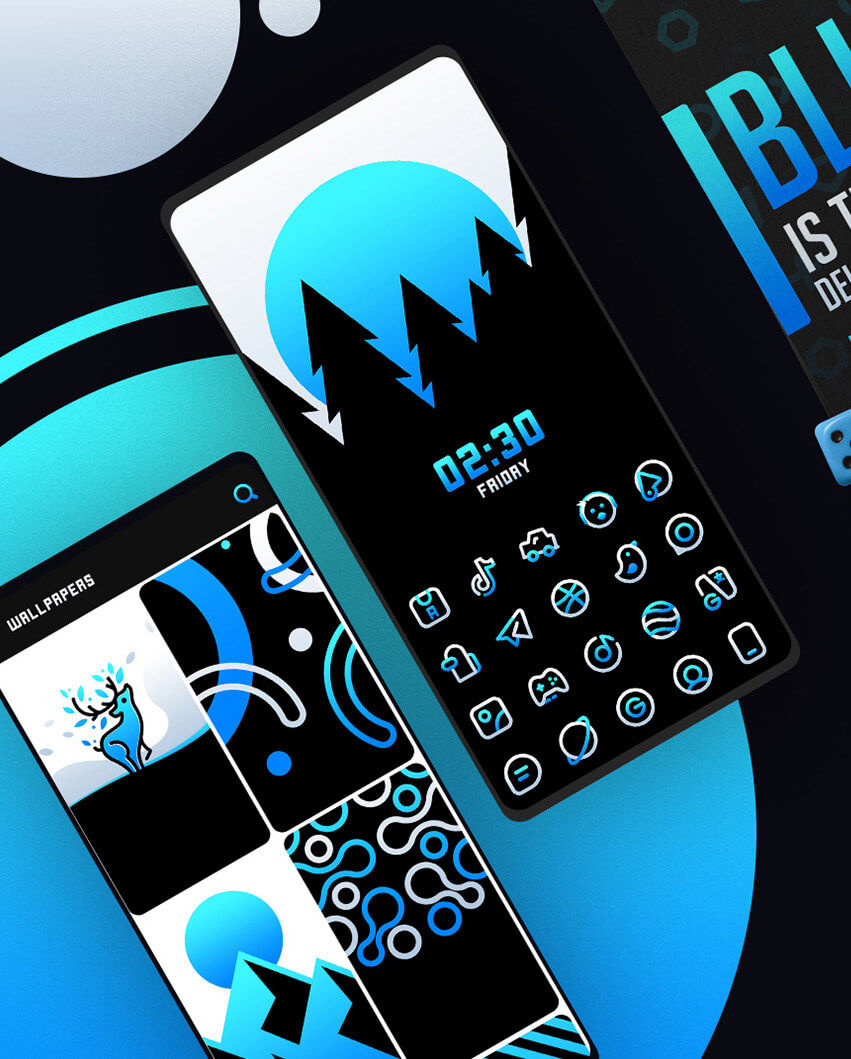
BeeLine BLUE
BEELINE BLUE
BeeLine Red
BEELINE RED
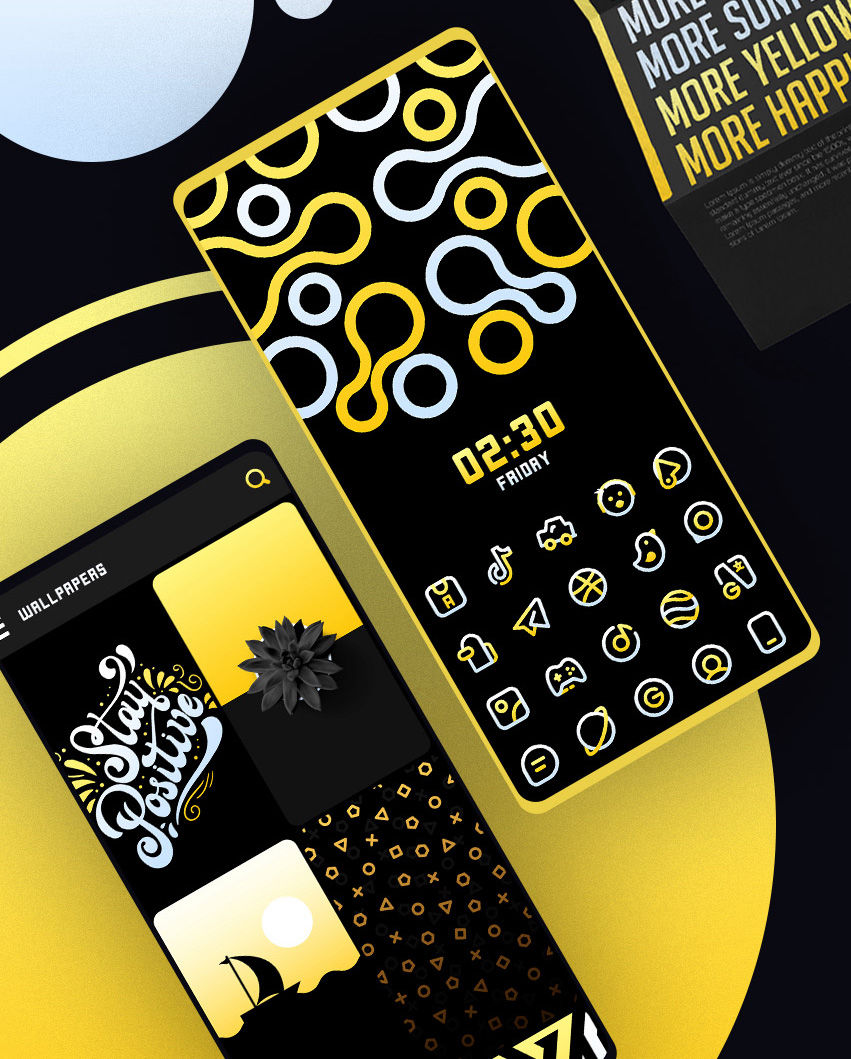
BeeLine Yellow
BEELINE YELLOW
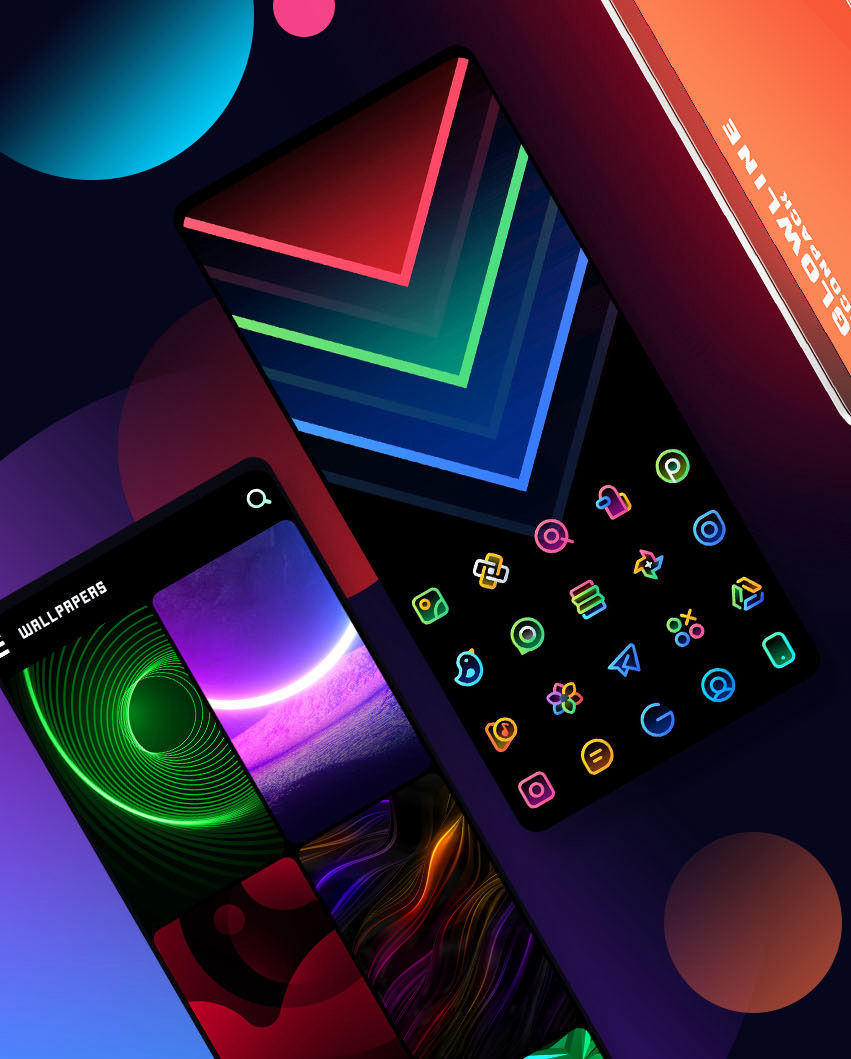
GlowLine IconPack
GLOWLINE ICONPACK
MORE AMAZING ICONPACKS

FAQ

Install Supported launcher in case your default launcher does not support 3rd Party IconPack. Open Iconpack and Apply it from the Apply/Launcher Section. That's it. If your launcher does support 3rd Party Iconpack but not listed in a apply section. Apply it from your Launcher Settings.

Many Devices like OnePlus, Poco do support Iconpack without any 3rd Party Launcher. If your stock launcher Does not support 3rd Party Iconpacks You will need a launcher that supports custom iconpacks. All supported launchers are listed in a playstore description. I Highly recommend to use a Nova Launcher or Lawnchair Launcher. 

Launcher is the part of the Android user interface that lets users customize the homescreen, launch mobile apps, make phone calls, and perform other tasks on Android Devices. Recommended Launcher : NOVA LAUNCHER or LAWNCHAIR

It Depends on Which launcher you are using. Most of launcher does support this feature. Hold Click on Icon. Click on edit. and select icon from the iconpack. 

Not every Launcher supports direct apply. and some of them can't be accessed directly from the dashboard. You can apply iconpack manually from the individual launcher settings.

Open Iconpack. and you can submit your request from the Request section of the Iconpack.

SHARE THIS PAGE

© 2020 All Rights Reserved. JUSTNEWDESIGNS

The page was created with Mobirise