
Glass Widgets
750+ frosted-glass widgets that let your wallpaper show through.
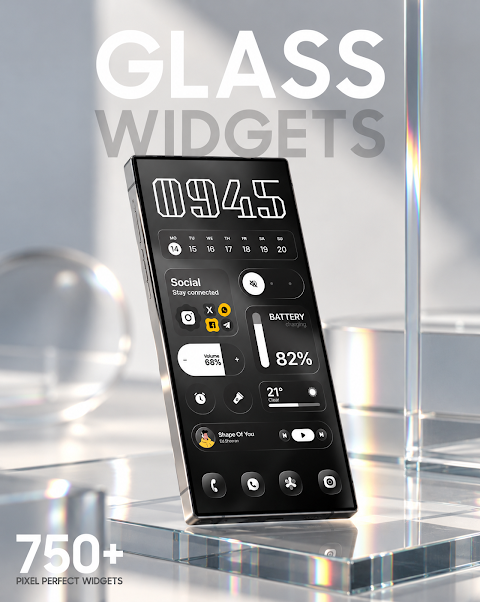
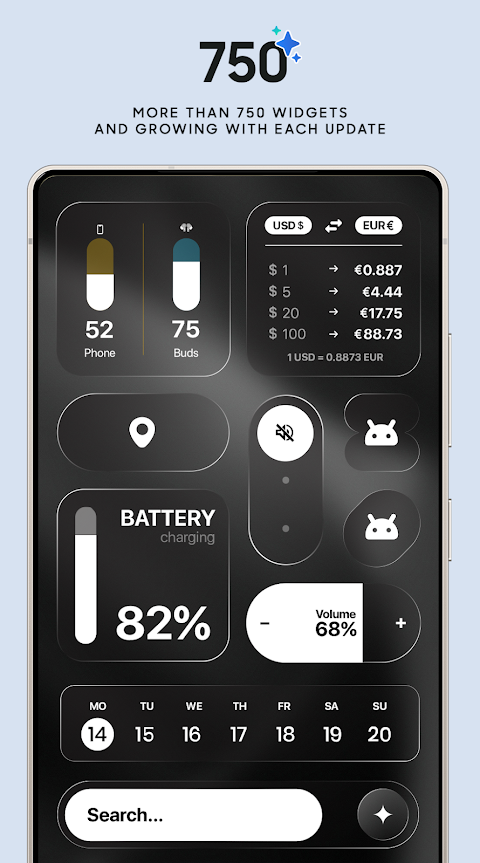
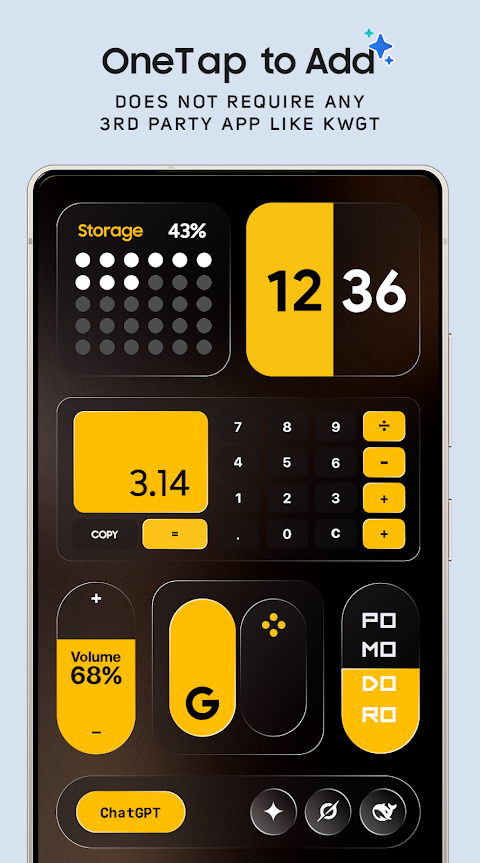
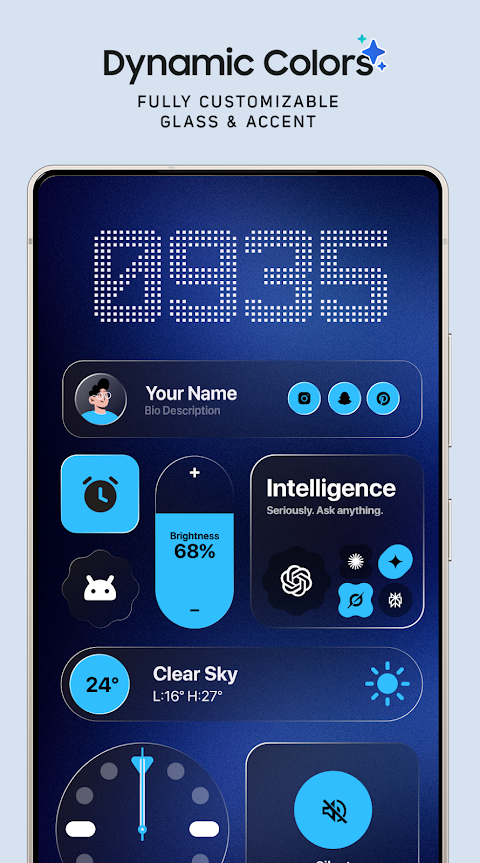
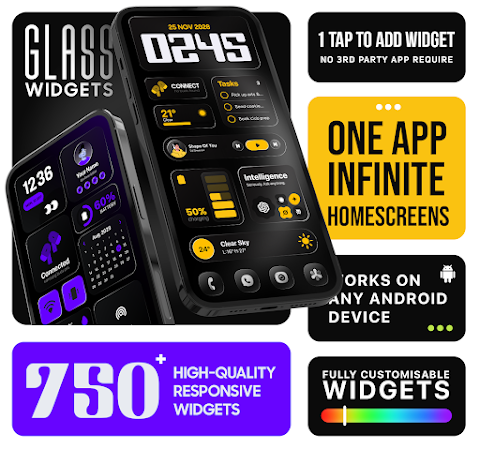
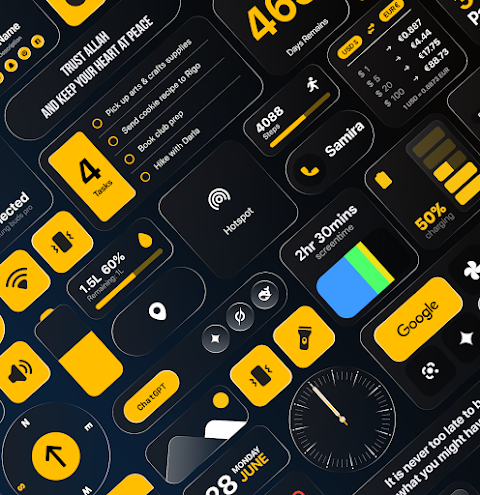
Give your home screen a clean, modern look with Glass Widgets, a collection of 750+ widgets built around translucent frosted-glass design. Soft blur, subtle transparency and smooth rounded shapes let your wallpaper show through, so every widget feels like part of your phone instead of an add-on. Glass Widgets works on any Android device. You don't need KWGT or any other app. Pick a widget, customize it, add it to your home screen, and you're done. WHY YOU'LL LIKE GLASS WIDGETS • 750+ widgets: a large library of clocks, calendars, weather, battery, photo and utility widgets, so you can build exactly the layout you want. • Frosted glass design: translucent, layered widgets that look good on any wallpaper, light or dark. • Customizable colors: adjust text, background, accent and transparency to match your theme. • Resizable layouts: use a small widget in a corner or a large one as the centerpiece of your screen. • Clean typography: easy-to-read fonts and balanced spacing, so information is clear at a glance. • Lightweight and simple: widgets are quick to set up and designed to avoid clutter. WIDGETS INCLUDED • Clock widgets: analog and digital clocks in many glass styles. • Calendar and date widgets: see the day, week and month at a glance. • Weather widgets: current conditions and forecasts in a clear, simple layout. • Battery widgets: monitor your phone's charge with a clean indicator. • Photo widgets: show your favorite pictures in glass frames. • Quick toggles and shortcuts: fast access to everyday settings and apps. • Notes, utility and productivity widgets: small tools that keep you organized without getting in the way. New widgets and improvements are added regularly, so your setup stays fresh. HOW TO ADD A WIDGET 1. Long-press an empty area of your home screen. 2. Tap "Widgets" and find Glass Widgets. 3. Choose a widget and drag it to your screen. 4. Tap the widget to customize colors, transparency and style. PERFECT FOR Anyone who wants a minimal, aesthetic or glassmorphism-inspired home screen on Android, from a simple one-widget layout to a fully themed setup. PERMISSIONS AND PRIVACY Glass Widgets only requests permissions that a widget needs to work, such as location for weather. Your data stays on your device and is not sold. SUPPORT AND FEEDBACK Have a question or a widget idea? We read every message. Email: [email protected] X (Twitter): x.com/JustNewDesigns Download Glass Widgets and give your home screen a clear, polished look.
What users
say.
I absolutely love all the widget app this developer offers. I already own more than half of them.
Carol K. on Glass WidgetsHonestly it's pretty amazing, I can play mini games on the home screen as well from the widget.
Priyanshu P. on Glass WidgetsGet Glass Widgets
More apps
All 65 apps Widgets
Everything Widgets
500+ Nothing-inspired widgets. One tap to add, no extra apps needed.
★ 4.5 · 100K+ downloadsView ↗ Widgets
Minimal Widgets
700+ clean widgets with fully customisable colours.
★ 4.7 · 500K+ downloadsView ↗ Widgets
Liquid Glass Widgets
750+ liquid-glass widgets for a translucent home screen.
Just launchedView ↗